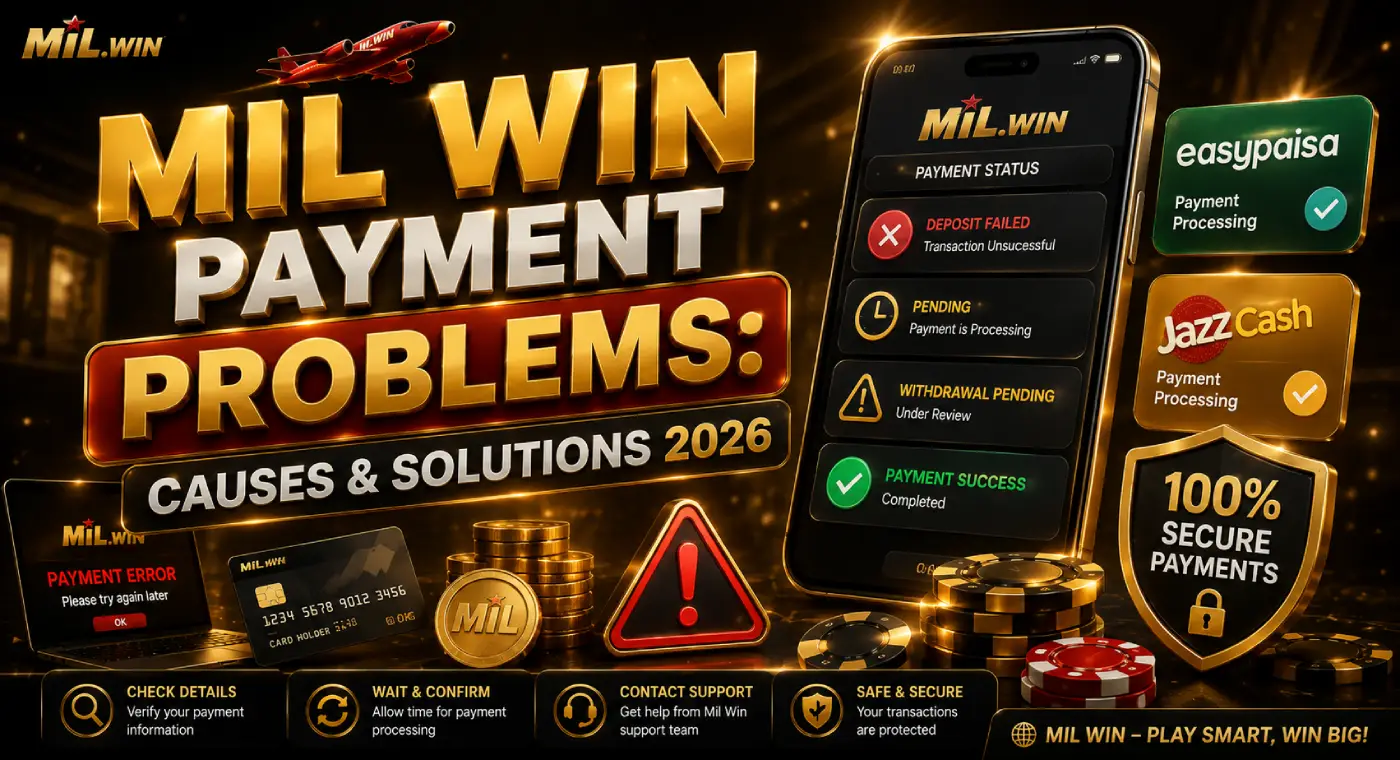
Mil Win Payment Problems: Common Causes and Solutions
Payment problems can be frustrating, especially when money has been deducted but the balance has not updated, or a withdrawal remains pending longer than expected. If you use Mil Win, understanding the possible reasons behind these issues can help you decide what to check before attempting another transaction.
A payment delay does not always mean that money has been lost. Problems can occur because of incorrect payment details, network interruptions, wallet limits, account verification, transaction processing, or temporary technical issues.
This guide explains common Mil Win payment problems, what may cause them, and practical steps users can take when deposits or withdrawals do not work as expected.
Common Mil Win Payment Problems
Payment-related issues can appear at different stages of a transaction. Some users may experience a deposit problem, while others may have difficulty withdrawing their available balance.
Common situations can include:
- Deposit completed but Mil Win balance not updated
- Deposit showing as pending
- Withdrawal remaining under processing
- Withdrawal request being rejected
- JazzCash or Easypaisa transaction failing
- Incorrect payment account details
- Transaction deducted from a wallet but not reflected in the app
- Withdrawal amount not arriving after approval
- Bonus balance being unavailable for withdrawal
The correct solution depends on the type and status of the transaction.
Mil Win Deposit Not Showing
One common issue is completing a payment but not seeing the amount in the Mil Win account balance immediately.
Before assuming that the transaction has failed, check its status in your payment wallet. A successful wallet transaction and an updated in-app balance may not always happen at exactly the same time.
What to Check
First, confirm:
- The transaction is marked successful in your payment app.
- The correct payment details were used.
- The amount meets any displayed minimum deposit requirement.
- Your internet connection remained stable during the transaction.
- The Mil Win account or user ID associated with the payment was correct.
If the transaction is still marked pending by JazzCash, Easypaisa, a bank, or another payment provider, wait for that provider to complete or reverse it before making unnecessary duplicate payments.
Mil Win Withdrawal Pending
A pending withdrawal means the request may still be undergoing processing rather than having necessarily failed.
Processing can potentially take longer when an account or transaction requires additional checks. Payment-provider delays may also affect when funds arrive.
Users should review the withdrawal section for the latest transaction status instead of repeatedly submitting new requests.
If a withdrawal remains pending unusually long compared with the processing information currently displayed by Mil Win, contact the relevant support channel and provide the transaction details.
Incorrect JazzCash or Easypaisa Details
Entering incorrect payment details is a particularly important issue to avoid.
Before confirming a withdrawal, carefully check the:
Account number: Make sure every digit is correct.
Account holder information: Where requested, provide details that match the payment account.
Payment method: Confirm that the selected wallet or payment option is the one you actually intend to use.
Do not rush through this step. Sending money to incorrect account details can be considerably more difficult to resolve than a normal processing delay.
Payment Provider Is Temporarily Unavailable
Not every payment problem originates inside the Mil Win App.
JazzCash, Easypaisa, banks, payment gateways, or other services may occasionally experience maintenance, network problems, or processing delays.
For example, if a wallet itself shows a transaction as pending, the problem may need to be resolved by the wallet provider rather than through Mil Win.
A useful approach is to check both sides:
Mil Win transaction status → Payment provider transaction status
This helps identify where the transaction stopped.
Internet Connection Interrupted the Payment
An unstable connection can interrupt communication between an app and its payment system.
This can create confusing situations where a payment provider has received the request but the app has not yet displayed the updated status.
If your connection drops during a transaction, avoid immediately repeating the payment.
Instead:
- Reconnect to a stable network.
- Open the payment provider and check transaction history.
- Check the Mil Win balance and transaction record.
- Refresh or reopen the app if necessary.
- Make another payment only after confirming that the original transaction did not succeed.
This reduces the possibility of accidentally making duplicate deposits.
Minimum or Maximum Transaction Limits
A payment can also fail when the requested amount falls outside currently permitted transaction limits.
There may be separate limits for:
- Minimum deposits
- Maximum deposits
- Minimum withdrawals
- Maximum withdrawals
- Individual wallet transactions
- Daily payment-provider limits
These limits can change, so users should rely on the values displayed in the current Mil Win payment interface rather than assuming an older figure still applies.
Your JazzCash, Easypaisa, or banking account may have its own limits as well.
Insufficient Withdrawable Balance
The number displayed as an overall balance does not necessarily mean the entire amount can immediately be withdrawn.
For example, an account may contain a combination of:
Main balance: Funds or eligible amounts available under the account’s normal rules.
Bonus balance: Promotional funds that may be subject to additional conditions.
If a withdrawal fails despite apparently having enough total balance, check whether part of that amount is promotional and whether any bonus conditions remain incomplete.
Always read the terms attached to a promotion before relying on bonus funds as withdrawable money.
Bonus Turnover Requirements Are Incomplete
Some promotions may have wagering, turnover, or other eligibility requirements.
Suppose a hypothetical promotion gives a Rs. 500 bonus and states that eligible activity must be completed before bonus-related funds become withdrawable. Seeing Rs. 500 in a bonus section would therefore not automatically mean Rs. 500 can immediately be cashed out.
The exact conditions depend on the promotion.
Before accepting any Mil Win bonus, check:
- Turnover requirements
- Eligible games or activities
- Expiry dates
- Maximum withdrawal conditions
- Deposit requirements
- Other restrictions attached to the offer
Do not rely solely on promotional headlines.
Account Verification May Be Required
Certain payment or withdrawal requests may require account checks.
If verification is requested, follow the instructions shown through the official account interface. Make sure submitted information is accurate and avoid sending sensitive documents or verification codes to random individuals claiming to provide support.
Never share your:
- Password
- Login OTP
- Payment-wallet PIN
- Bank PIN
- Full card credentials
A legitimate troubleshooting process should not require you to disclose passwords or PINs.
Mil Win Withdrawal Rejected
A rejected withdrawal is different from a pending withdrawal.
If the request is explicitly marked failed or rejected, check whether the app provides a reason. Possible factors can include incorrect payment details, insufficient eligible balance, transaction limits, incomplete account requirements, or a payment-channel problem.
Do not continuously resubmit the same request without understanding why it failed.
Correct the identified issue first and then try again if appropriate.
What to Do If Money Was Deducted but Balance Wasn’t Added
This situation deserves extra care because immediately making another payment could result in duplicate transactions.
Keep evidence of the original transaction, including:
- Transaction ID/reference number
- Amount
- Date and approximate time
- Payment method
- Relevant status screenshots
Check your payment provider’s transaction history first.
If the provider confirms the transaction was successful but the Mil Win balance remains unchanged beyond the expected processing period, contact the appropriate support channel with the transaction reference.
Don’t Share OTPs With Anyone Offering a Payment Fix
Payment problems can create an opportunity for impersonation scams.
Someone may claim that they can release a pending withdrawal, recover a failed deposit, or unlock your balance if you provide an OTP, password, wallet PIN, or additional payment.
Treat such requests cautiously.
An OTP is generally designed to authorize access or transactions. Giving it to another person may compromise your account.
Should You Make Another Deposit When One Is Pending?
Usually, it is safer to determine the status of the first transaction before repeating it.
For example, if Rs. 1,000 has been deducted from a wallet but the Mil Win balance has not updated, immediately sending another Rs. 1,000 could leave you with two completed transactions if the original payment is simply delayed.
Check the wallet history and transaction status first.
Information to Keep Before Contacting Support
Providing clear information can make a payment complaint easier to investigate.
Prepare:
Mil Win account identifier: The username, UID, or other non-sensitive identifier requested by support.
Transaction reference: The ID generated for the deposit or withdrawal.
Payment method: For example, JazzCash or Easypaisa.
Amount: The exact transaction value.
Date and time: When the payment was initiated.
Screenshot: A screenshot showing the transaction status can be useful, but hide unnecessary sensitive financial information.
Explain whether the issue concerns a deposit, withdrawal, failed transaction, pending payment, or missing balance.
Mil Win Payment Troubleshooting Checklist
Before contacting support, work through this quick checklist:
| Problem | What to Check |
| Deposit missing | Provider status and transaction ID |
| Deposit pending | Wait for payment-provider processing |
| Withdrawal pending | Withdrawal status and stated processing period |
| Withdrawal rejected | Eligibility, account details and limits |
| JazzCash issue | Wallet status, number and account limits |
| Easypaisa issue | Wallet status, number and account limits |
| Bonus cannot be withdrawn | Promotion and turnover conditions |
| Balance looks incorrect | Transaction and bonus history |
| Payment deducted twice | Preserve both transaction references |
| Account restricted | Review any verification/account notices |
How to Reduce Payment Problems
Many payment errors can be prevented by taking a few precautions before confirming a transaction.
Use a stable internet connection, double-check payment details, review current transaction limits, and save the transaction reference until the payment is fully completed.
It is also sensible to start cautiously when using an unfamiliar payment process rather than transferring more money simply because a previous transaction appears delayed.
FAQs
Final Thoughts
Mil Win payment problems can have several causes, and the correct response depends on whether the issue involves the app, account, transaction details, promotional conditions, or the external payment provider.
Start by checking the transaction status on both sides. Verify the amount and payment details, preserve the transaction reference, and avoid repeating payments until you understand what happened to the original request.
Most importantly, distinguish between pending, failed, rejected, and completed transactions. These statuses describe different situations and should not be treated as the same problem.
Users should also remember that participation in real-money games on Mil Win APK involves financial risk. A successful deposit does not guarantee winnings or profit, and users should never deposit money they cannot afford to lose.